File list
Jump to navigation
Jump to search
This special page shows all uploaded files.
| Date | Name | Thumbnail | Size | Description | Versions |
|---|---|---|---|---|---|
| 14:47, 20 January 2021 | 20210120 Update.png (file) |  |
1 KB | Update button for edit delivery item | 1 |
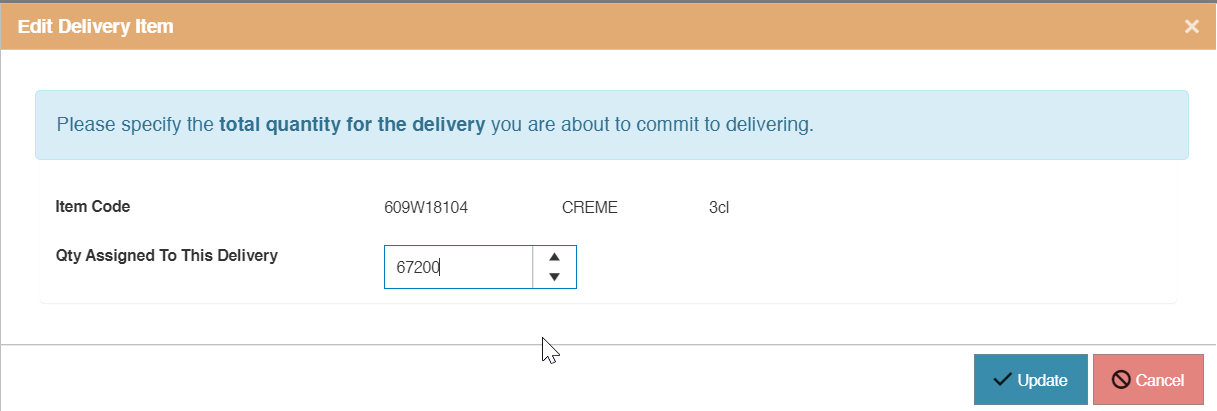
| 14:33, 20 January 2021 | 20210120 Edit delivery item.png (file) |  |
21 KB | Edit item in vendor delivery | 1 |
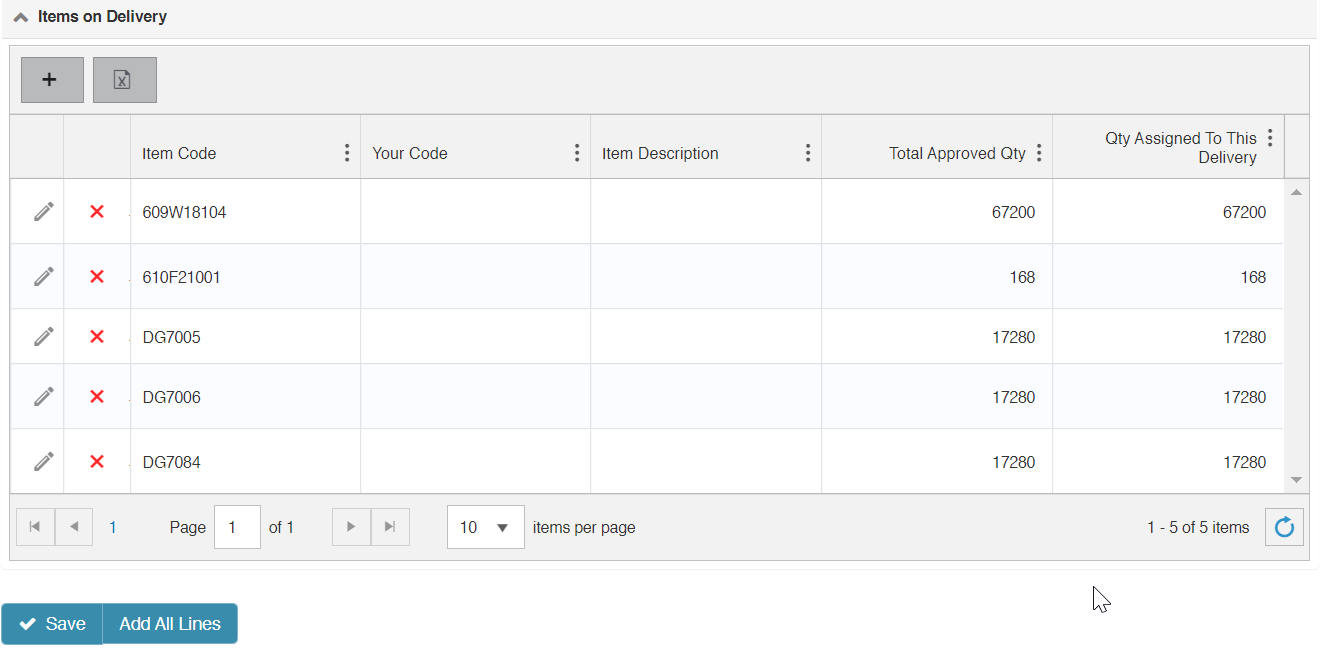
| 14:13, 20 January 2021 | 20210120 Items on Delivery.png (file) |  |
34 KB | Show multiple items in vendor delivery | 1 |
| 14:02, 20 January 2021 | 20210120 Add all lines.png (file) |  |
2 KB | Add all lines in edit vendor delivery | 1 |
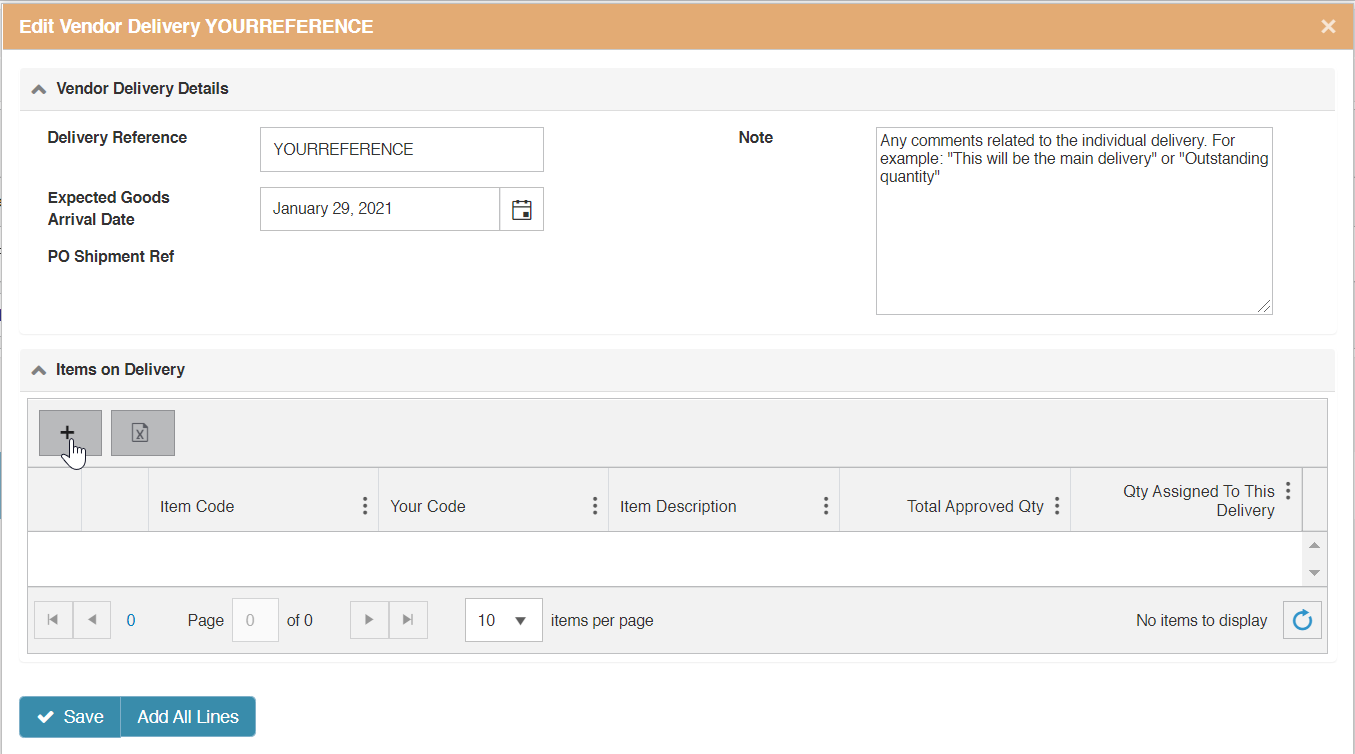
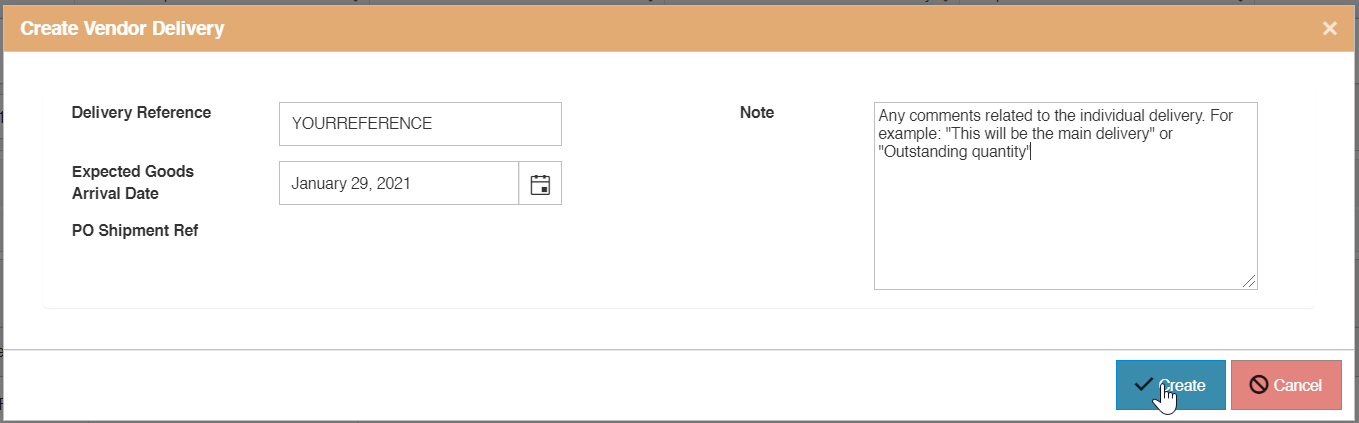
| 14:00, 20 January 2021 | 20210120 Edit vendor delivery.png (file) |  |
45 KB | Edit delivery to show how to add items one by one or using the add all lines option | 1 |
| 13:20, 20 January 2021 | 20210120 create Custom Delivery Schedule.png (file) |  |
27 KB | Create custom delivery schedule | 1 |
| 13:15, 20 January 2021 | 20210120 Add Custom Delivery Schedule.png (file) |  |
15 KB | Add custom delivery schedule - PO commitment | 1 |
| 17:36, 18 January 2021 | 20210118 Download proforma.png (file) |  |
3 KB | download proforma invoice button | 1 |
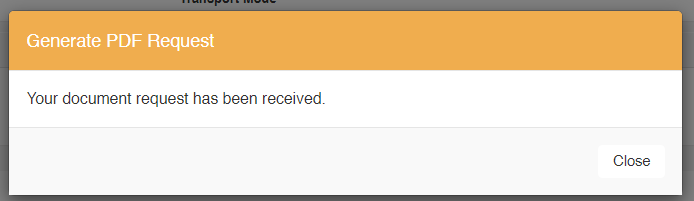
| 17:33, 18 January 2021 | 20210118 RMA PDF request.png (file) |  |
8 KB | Message that document creation has been requested | 1 |
| 17:27, 18 January 2021 | 20210118 RMA generate proforma.png (file) |  |
5 KB | Generate Pro Forma Document Button | 1 |
| 17:09, 16 November 2020 | StationDemandAmendment Blank.xlsx (file) |  |
34 KB | Template to upload demand | 1 |
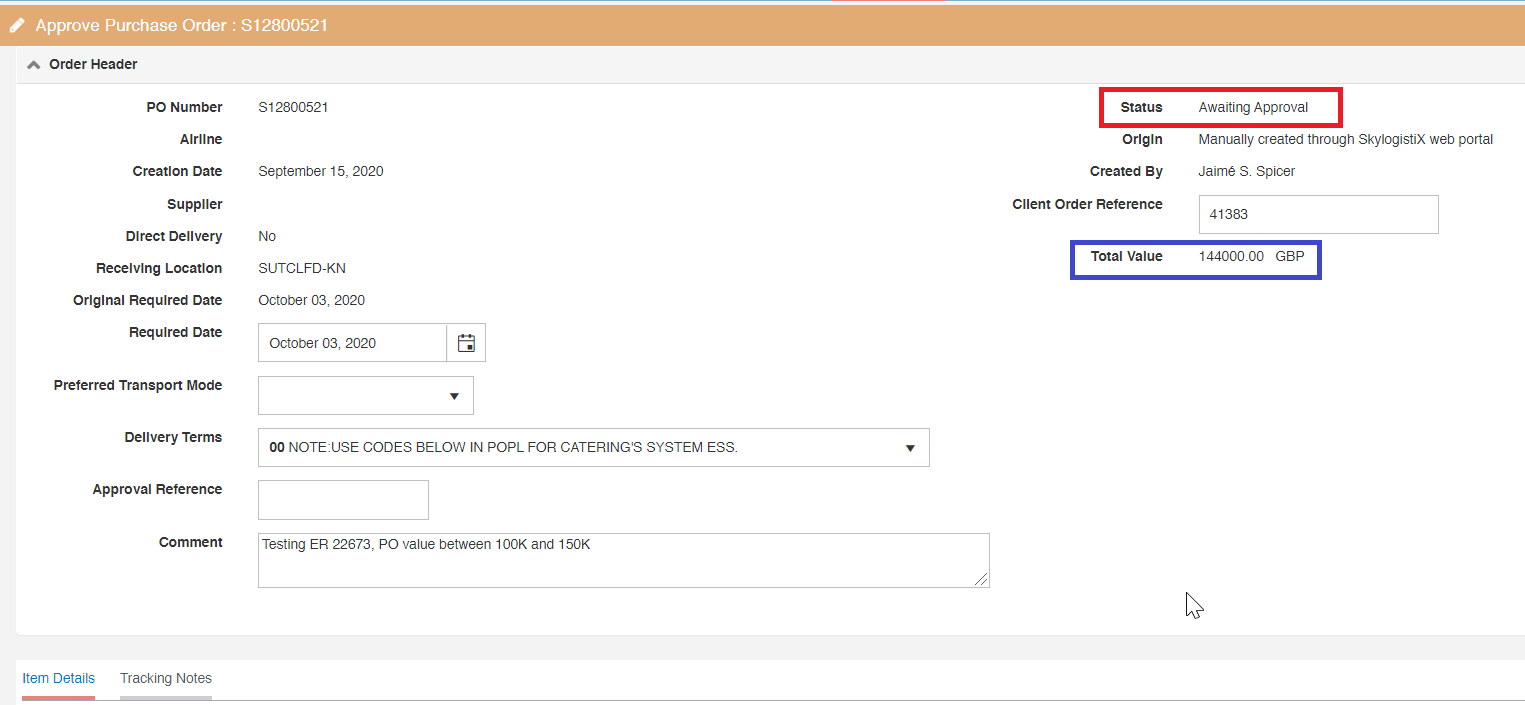
| 18:16, 9 November 2020 | Details awaiting approval.png (file) |  |
25 KB | Awaiting approval screen details | 1 |
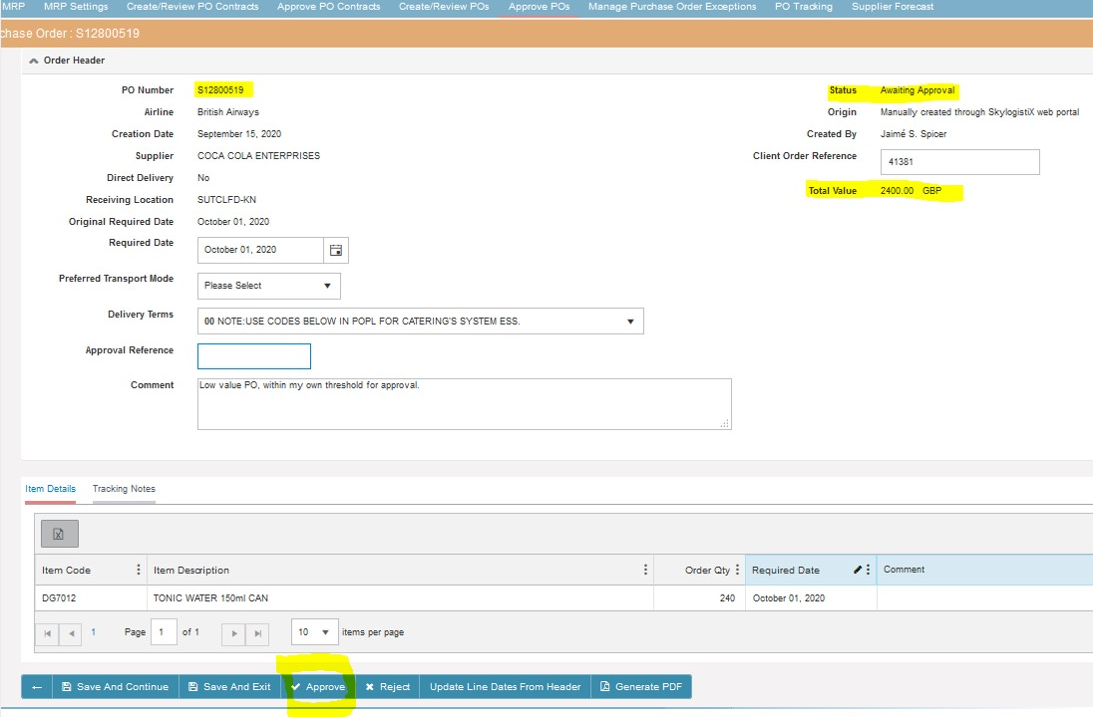
| 18:08, 9 November 2020 | Awaiting approval PO.png (file) |  |
44 KB | Header awaiting approval PO | 1 |
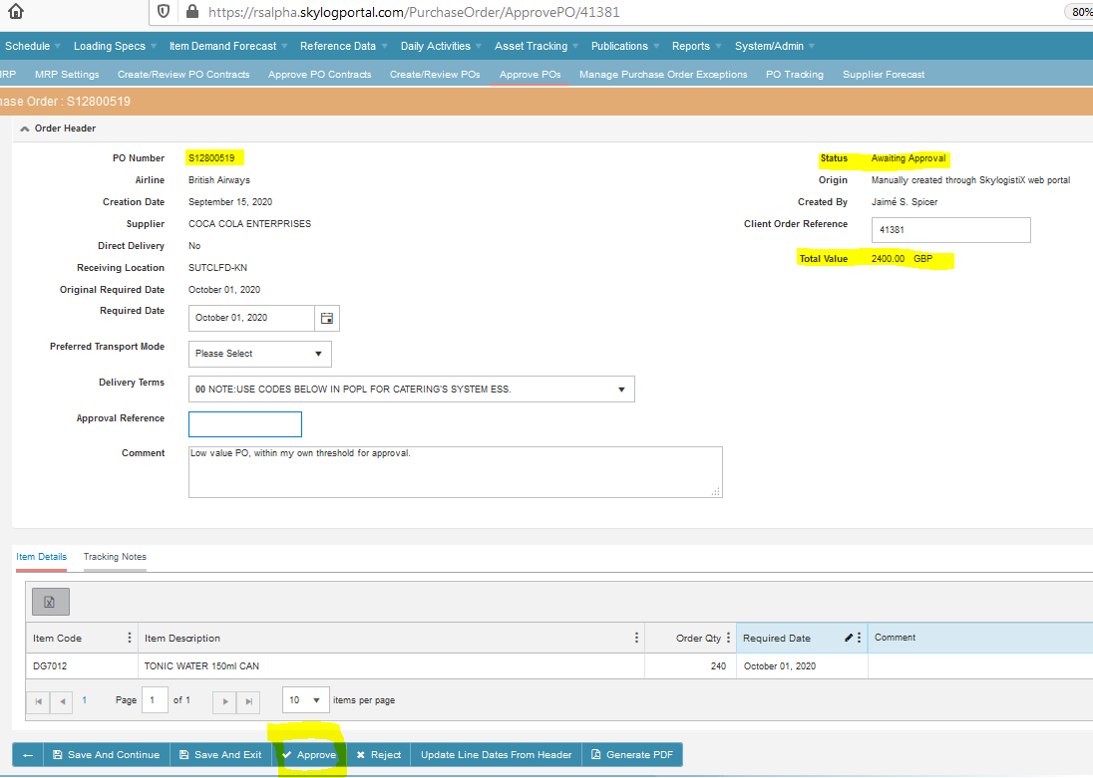
| 14:27, 30 September 2020 | ApprovePO3.png (file) |  |
266 KB | Approve PO | 1 |
| 13:34, 30 September 2020 | ApprovePO.png (file) |  |
164 KB | 2 | |
| 07:27, 28 August 2020 | Test345.png (file) |  |
85 KB | 1 | |
| 13:39, 9 June 2020 | 20200609 Expand supplier forecast.png (file) |  |
8 KB | 1 | |
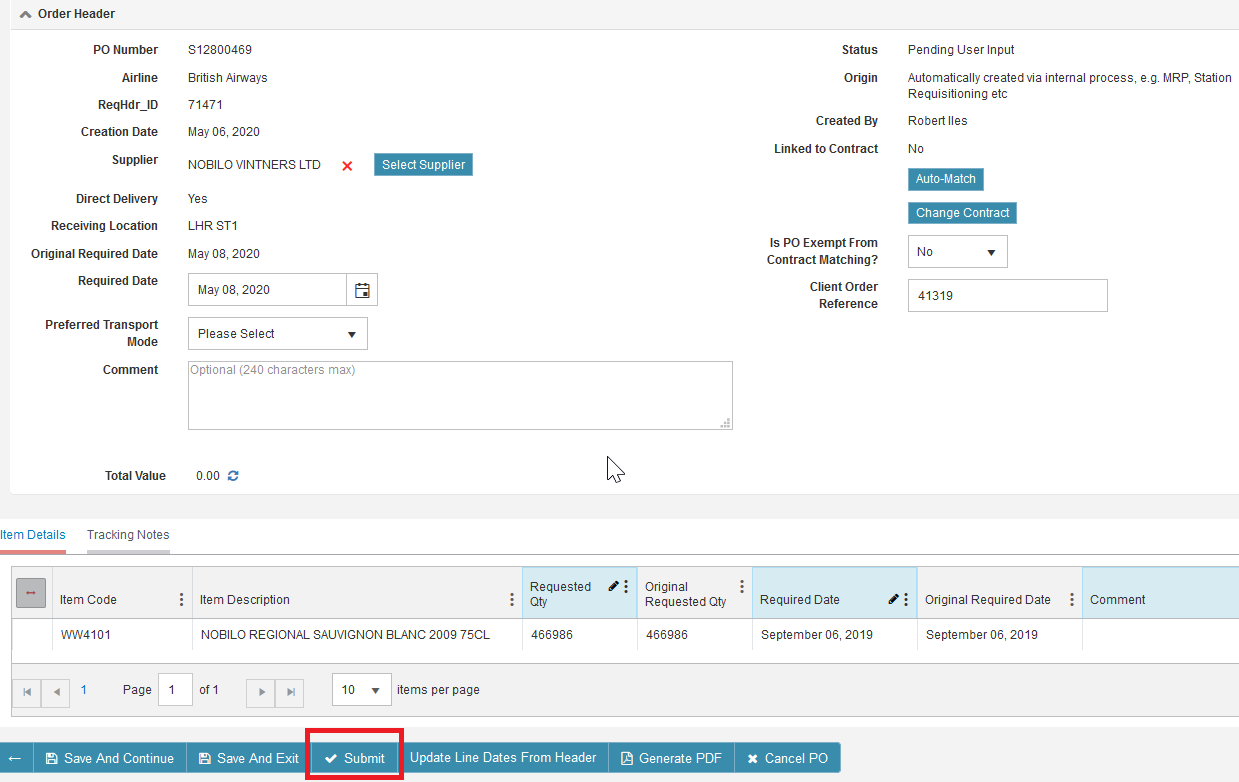
| 13:23, 9 June 2020 | 20200609 Submit PO.png (file) |  |
53 KB | Submit POs in status "Pending user input" | 1 |
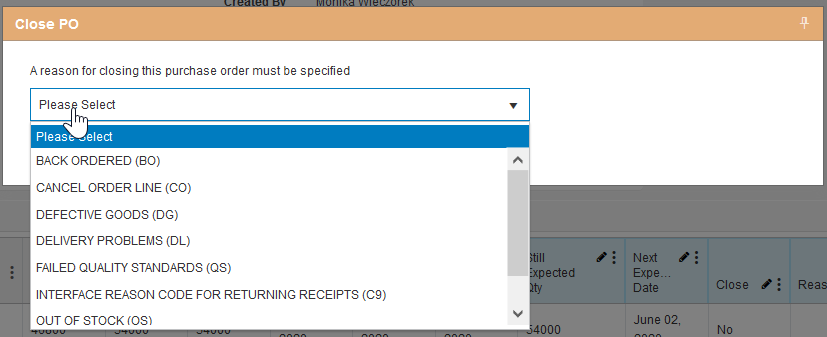
| 12:47, 9 June 2020 | 20200609 Cancelation reason.png (file) |  |
24 KB | 1 | |
| 12:44, 9 June 2020 | 20200609 Close PO.png (file) |  |
1 KB | 1 | |
| 12:28, 9 June 2020 | 20200609 PO schedule not acceptable.png (file) |  |
2 KB | 1 | |
| 12:25, 9 June 2020 | 202006 PO we wont commit.png (file) |  |
1 KB | 1 | |
| 12:19, 9 June 2020 | 20200609 Reject.png (file) |  |
991 bytes | 1 | |
| 11:54, 9 June 2020 | 20200609 Abort.png (file) |  |
1 KB | 1 | |
| 11:48, 9 June 2020 | 20200609 Cancel PO.png (file) |  |
1 KB | 1 | |
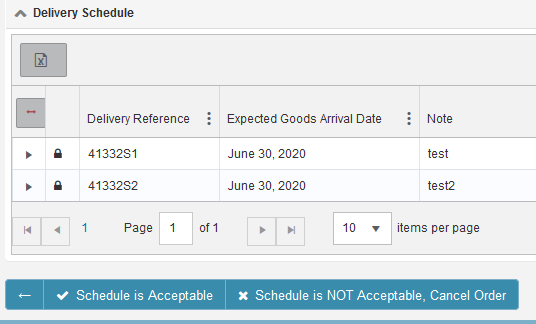
| 10:53, 9 June 2020 | 20200609 DeliverySchedule2.png (file) |  |
13 KB | Screen displayed to allow material controller to either accept or reject schedule | 1 |
| 10:46, 9 June 2020 | 20200609 DeliverySchedule.png (file) |  |
5 KB | button to allow material controller view supplier proposed delivery schedule | 1 |
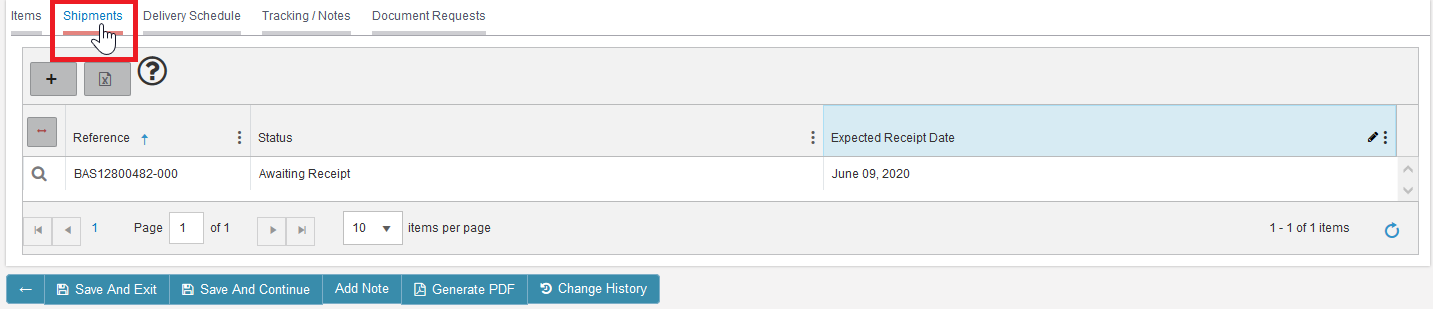
| 10:37, 9 June 2020 | 20200609 PO shipments.png (file) |  |
23 KB | How to view PO shipments | 1 |
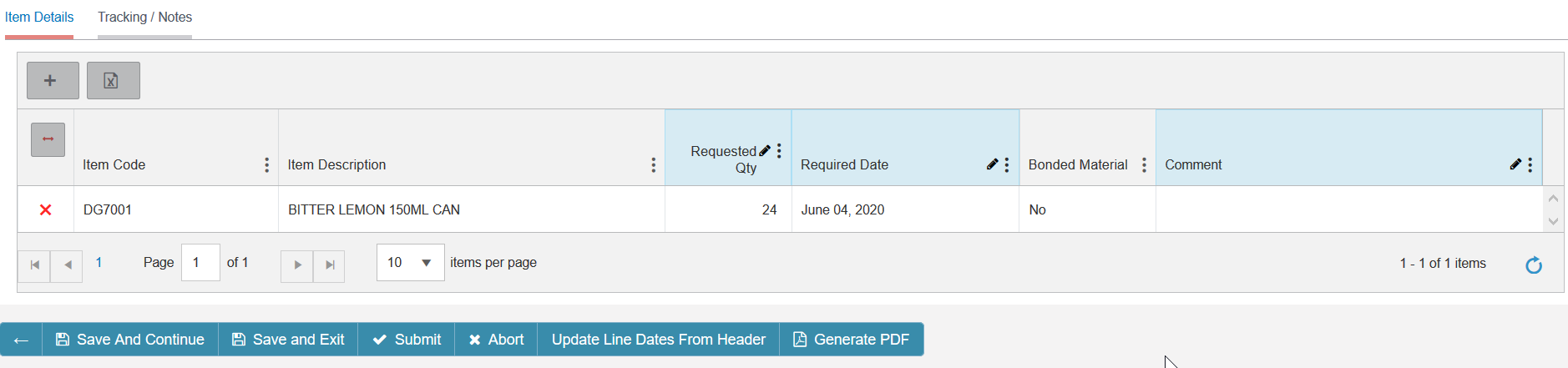
| 15:50, 3 June 2020 | 20200603 PO item details.png (file) |  |
40 KB | 1 | |
| 15:49, 3 June 2020 | 20200603 RefreshPOValue.png (file) |  |
2 KB | 1 | |
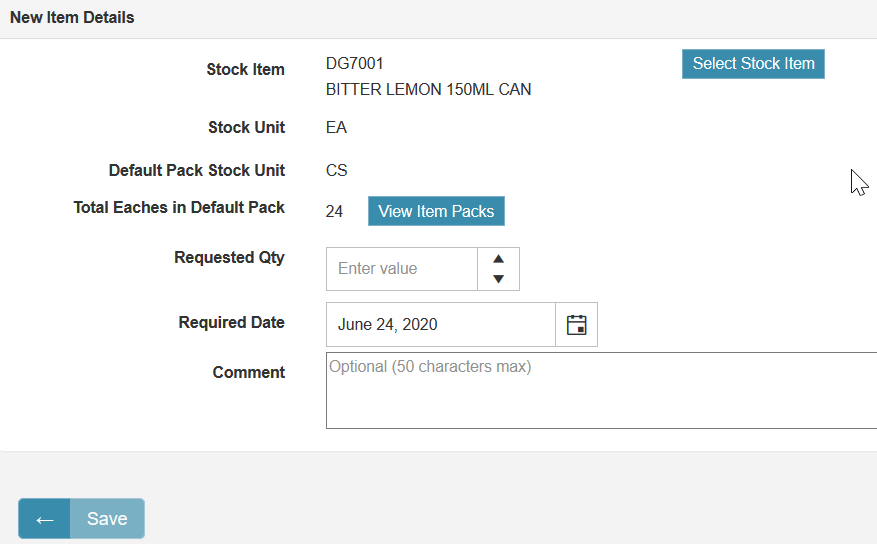
| 15:29, 3 June 2020 | 20200603 AddItem.png (file) |  |
25 KB | Page to select item to add to Purchase Order | 1 |
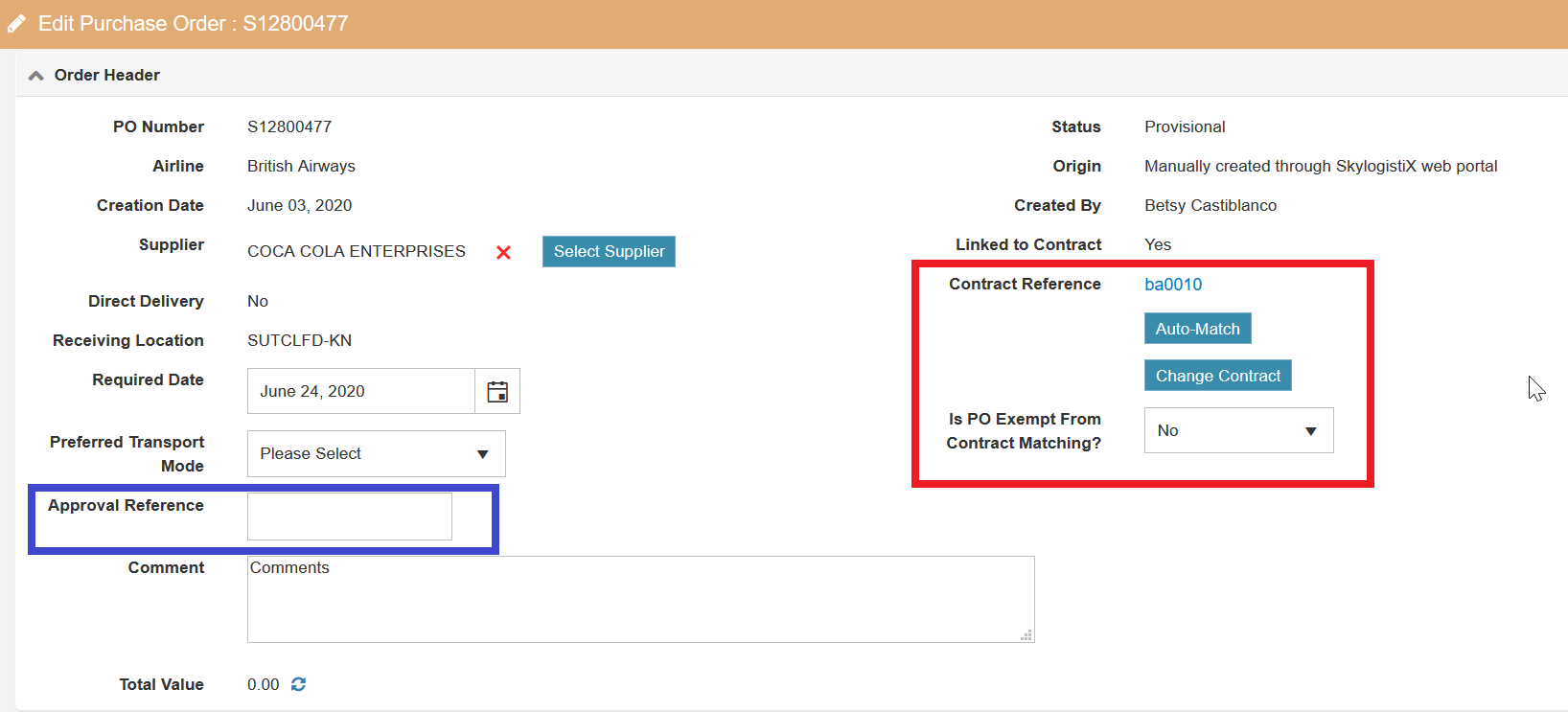
| 15:13, 3 June 2020 | 20200603 PurchaseOrder Header.png (file) |  |
55 KB | Purchase order header highlighting the Approval Reference and the Contract related section | 1 |
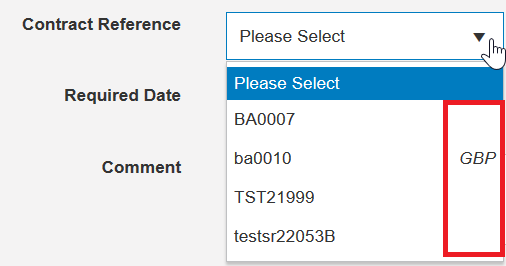
| 14:17, 3 June 2020 | 20200603 Selectcontract.png (file) |  |
12 KB | 1 | |
| 14:01, 3 June 2020 | 20200603 viatransfer.png (file) |  |
7 KB | Select Destination warehouse and ultimate warehouse when raising POs with Warehouse via Warehouse transfer destination type. | 1 |
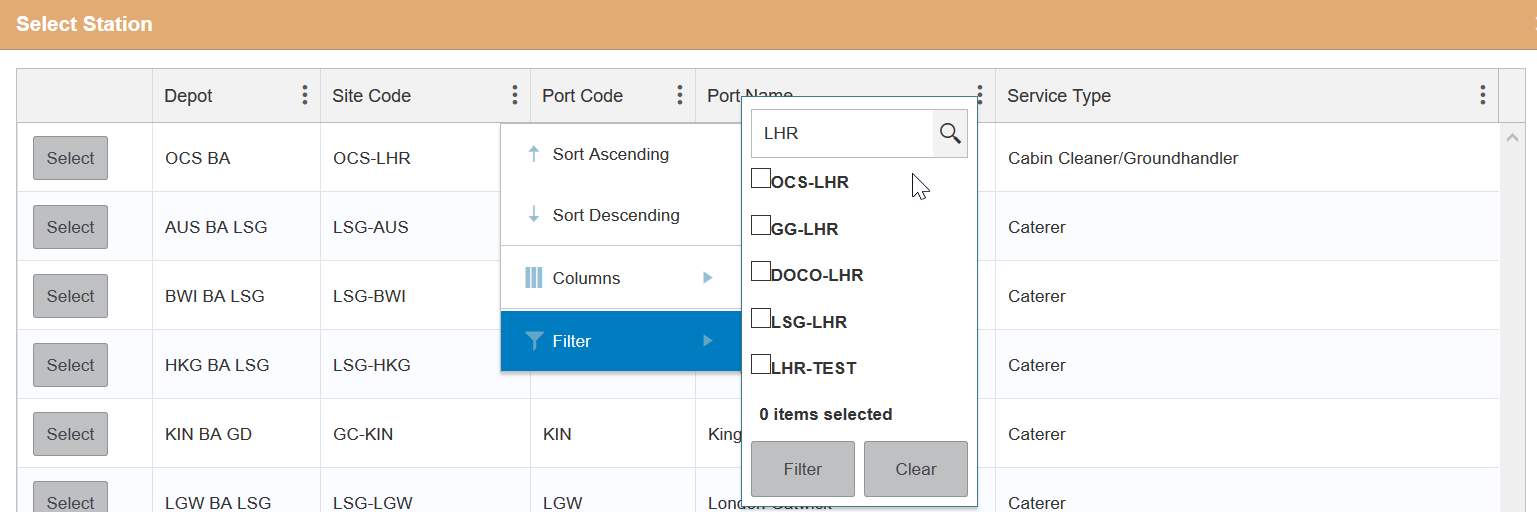
| 12:25, 3 June 2020 | 20200603 selectstation2.png (file) |  |
50 KB | Pop up to select station and showing filters | 1 |
| 12:22, 3 June 2020 | 20200603 selectstation.png (file) |  |
4 KB | 1 | |
| 12:15, 3 June 2020 | 20200603 selectwarehouse.png (file) |  |
14 KB | 1 | |
| 10:44, 3 June 2020 | 20200603 Selectdestination createPO.png (file) |  |
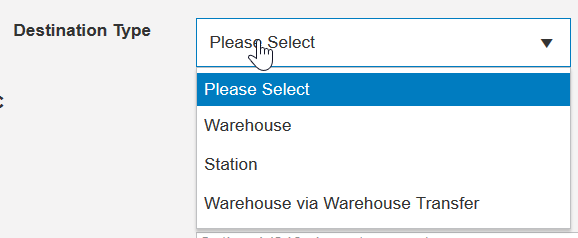
11 KB | When creating PO select the destination | 1 |
| 10:39, 3 June 2020 | 20200603 SelectSupplier 2.png (file) |  |
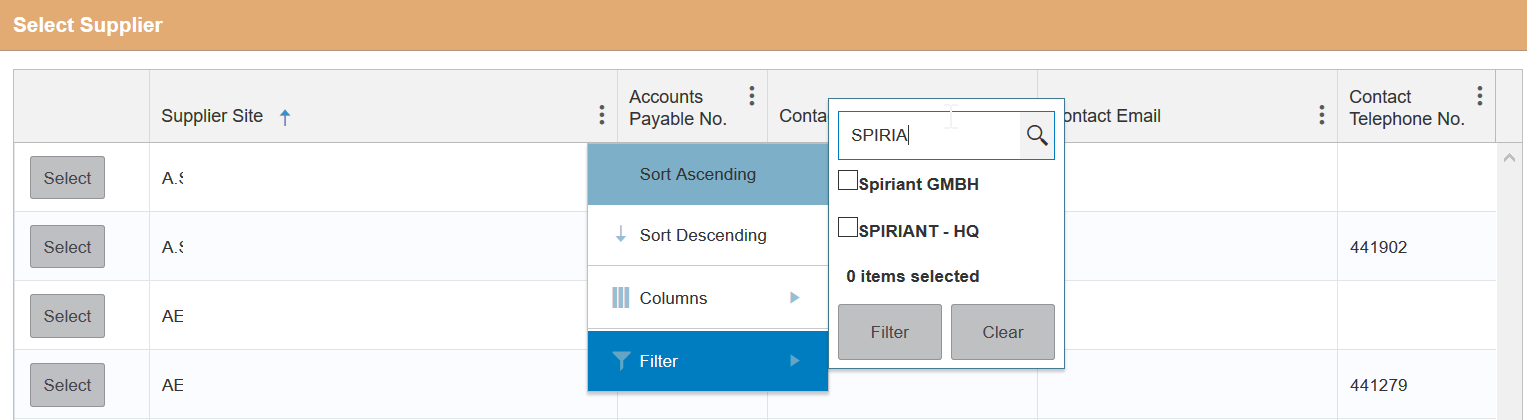
37 KB | Pop up to find and select the supplier | 1 |
| 10:31, 3 June 2020 | 20200603 SelectSupplier.png (file) |  |
3 KB | Select supplier | 1 |
| 10:27, 3 June 2020 | 20200603 Select airline.png (file) |  |
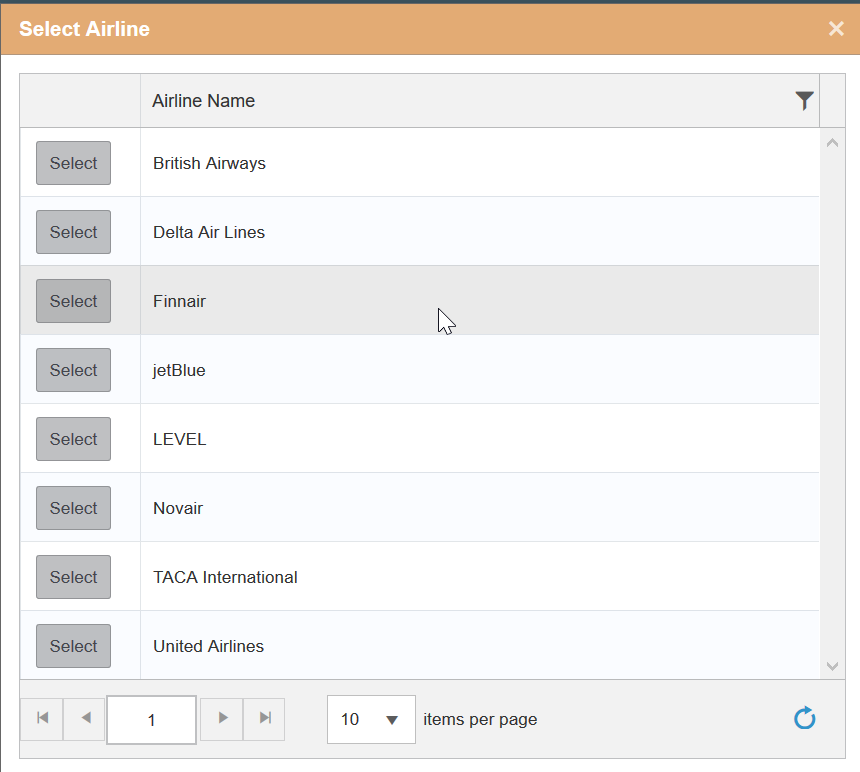
29 KB | When user has access to multiple airlines | 1 |
| 10:15, 3 June 2020 | 20200603 Create review PO.png (file) |  |
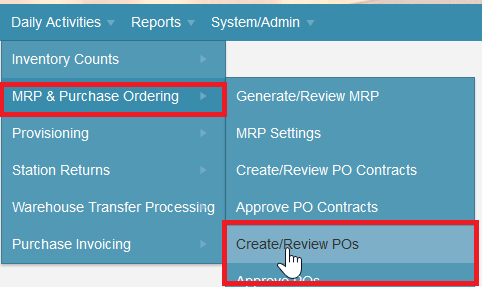
20 KB | Menu route for Create/Review PO | 1 |
| 16:11, 27 May 2020 | 20200527 Edit.png (file) |  |
2 KB | Edit - can be used for all pages | 1 |
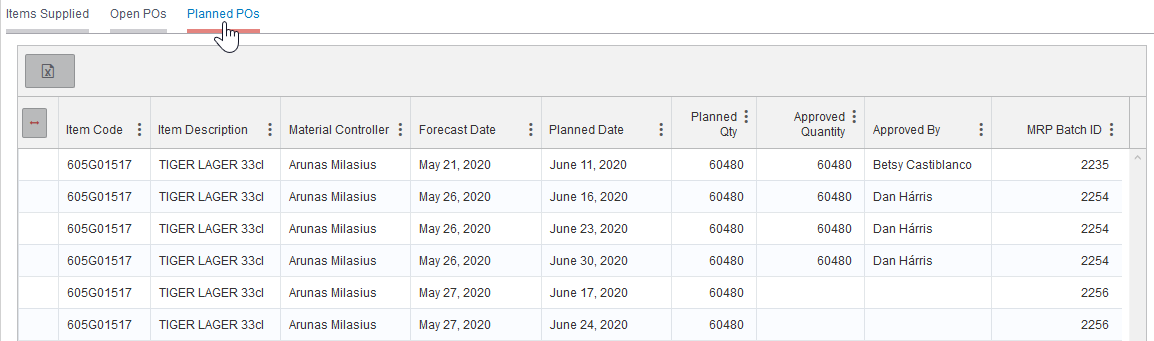
| 16:01, 27 May 2020 | 20200527 SF Planned POs.png (file) |  |
28 KB | Planned POs displayed in the Supplier Forecast initial screen | 1 |
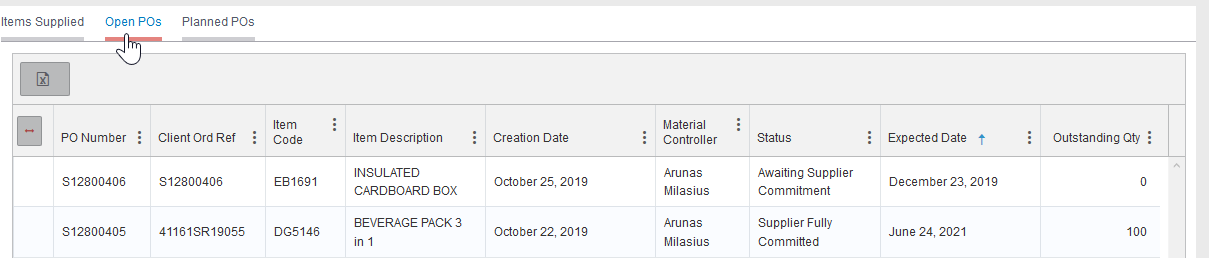
| 15:56, 27 May 2020 | 20200527 SF Open POs.png (file) |  |
21 KB | Tab open POs on Supplier forecast | 1 |
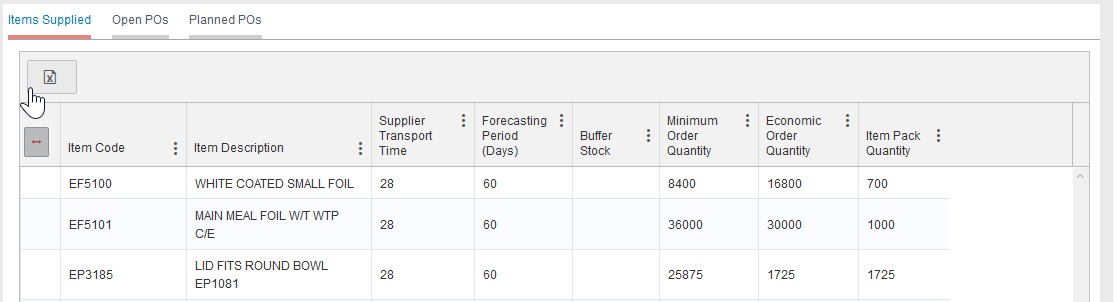
| 15:48, 27 May 2020 | 20200527 SF Supplied items.png (file) |  |
19 KB | Supplier Forecast supplied items | 1 |
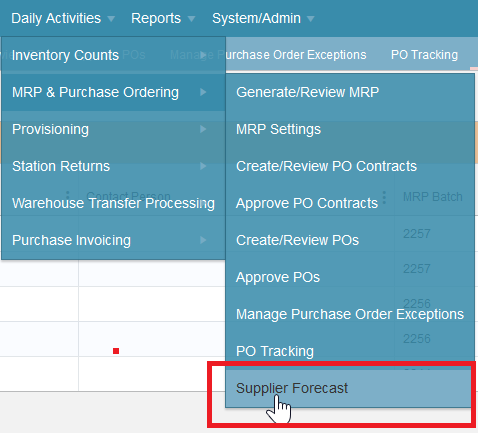
| 13:18, 27 May 2020 | 20200527 Supplier Forecasts route.png (file) |  |
29 KB | How to access the supplier forecast menu | 1 |
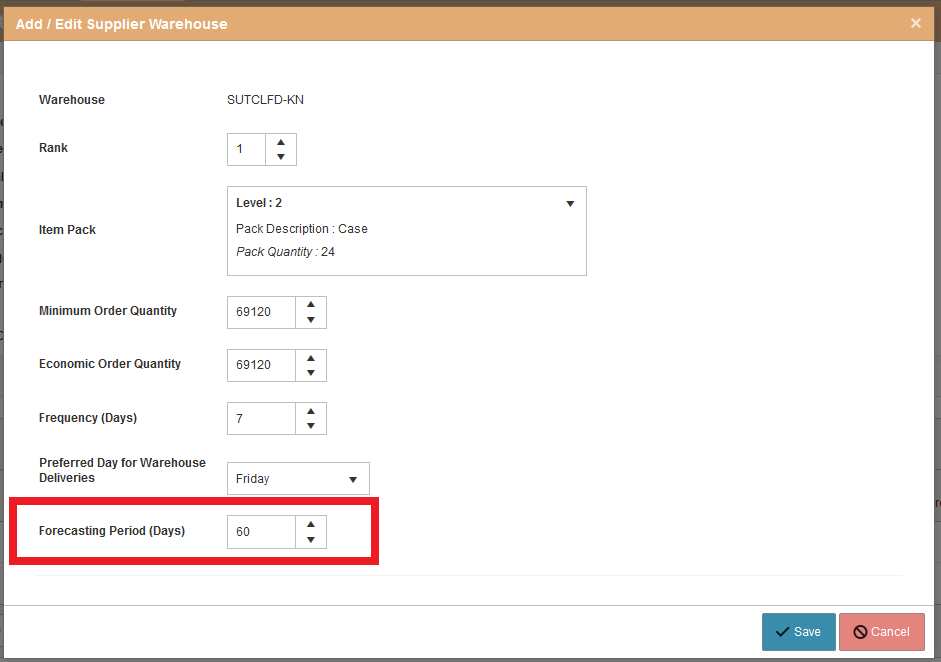
| 12:58, 27 May 2020 | 20200527 Forecasting Period.png (file) |  |
25 KB | Where to update the forecasting period | 1 |
| 16:24, 26 May 2020 | 20200526 Planned issues tab.png (file) |  |
12 KB | Planned issues tab on Edit MRP | 1 |
| 16:24, 26 May 2020 | 20200526 Unapproved POs.png (file) |  |
14 KB | Unapproved POs tab on Edit MRP | 1 |